
















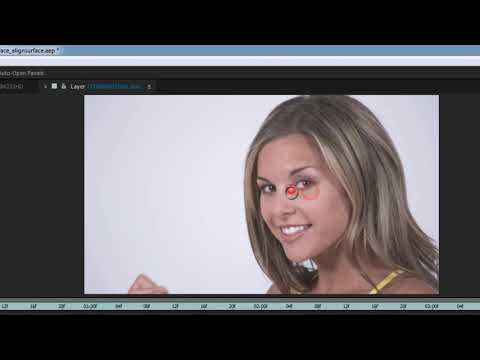
Sometimes users get confused when their track looks perfect in Mocha, but
their After Effects composite does not match. Often this is caused by a
mismatch in image sizes or when your insert material is already scaled in
position. In this quick tutorial, Imagineer Systems Product Specialist, Mary
Poplin, shows you how to trouble shoot and prep your track data using
precomps, “align surface tool” and more. Includes (4) different corner pinning
techniques including importing tracking data directly into Adobe Premiere Pro
via BCC corner pin. Footage courtesy of
stockfootage.com
their After Effects composite does not match. Often this is caused by a
mismatch in image sizes or when your insert material is already scaled in
position. In this quick tutorial, Imagineer Systems Product Specialist, Mary
Poplin, shows you how to trouble shoot and prep your track data using
precomps, “align surface tool” and more. Includes (4) different corner pinning
techniques including importing tracking data directly into Adobe Premiere Pro
via BCC corner pin. Footage courtesy of
stockfootage.com
Subscribe to our newsletter
Get all the latest news, blog posts and product updates from Boris FX, delivered directly to your inbox.
Welcome!
Thanks for opting-in to our newsletter. You'll receive an email momentarily with your confirmation.
