
















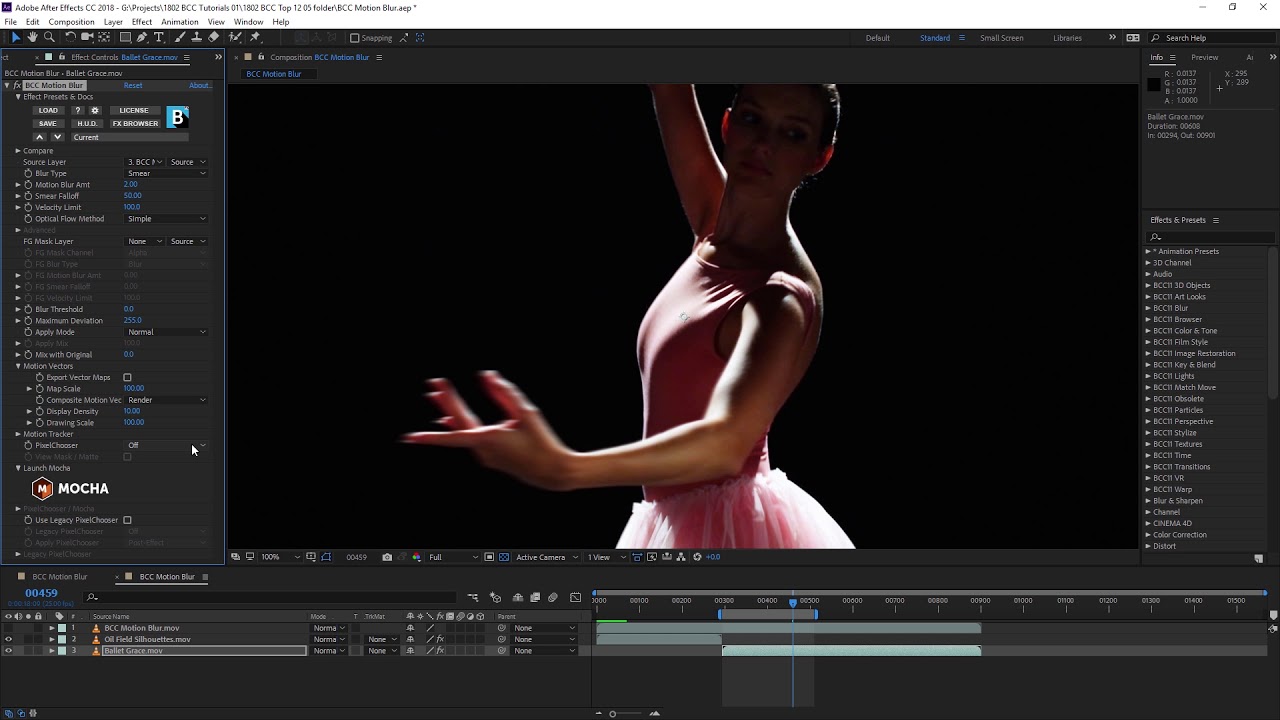
With the Continuum Motion Blur filter you can easily create blur based on the motion of an image. Use it to simulate realistic motion blur or interesting stylized effects. The possibilities for this filter are huge!
This Quick Look video covers:
- Adding motion blur
- Adjusting the optical flow settings
- Reducing artefacting for a better look
- Creating a stylized look with motion blur
Watch this Continuum Motion Blur video for Adobe Premiere Pro, Blackmagic Davinci Resolve, or Avid Media Composer.
Subscribe to our newsletter
Get all the latest news, blog posts and product updates from Boris FX, delivered directly to your inbox.
Welcome!
Thanks for opting-in to our newsletter. You'll receive an email momentarily with your confirmation.
