
















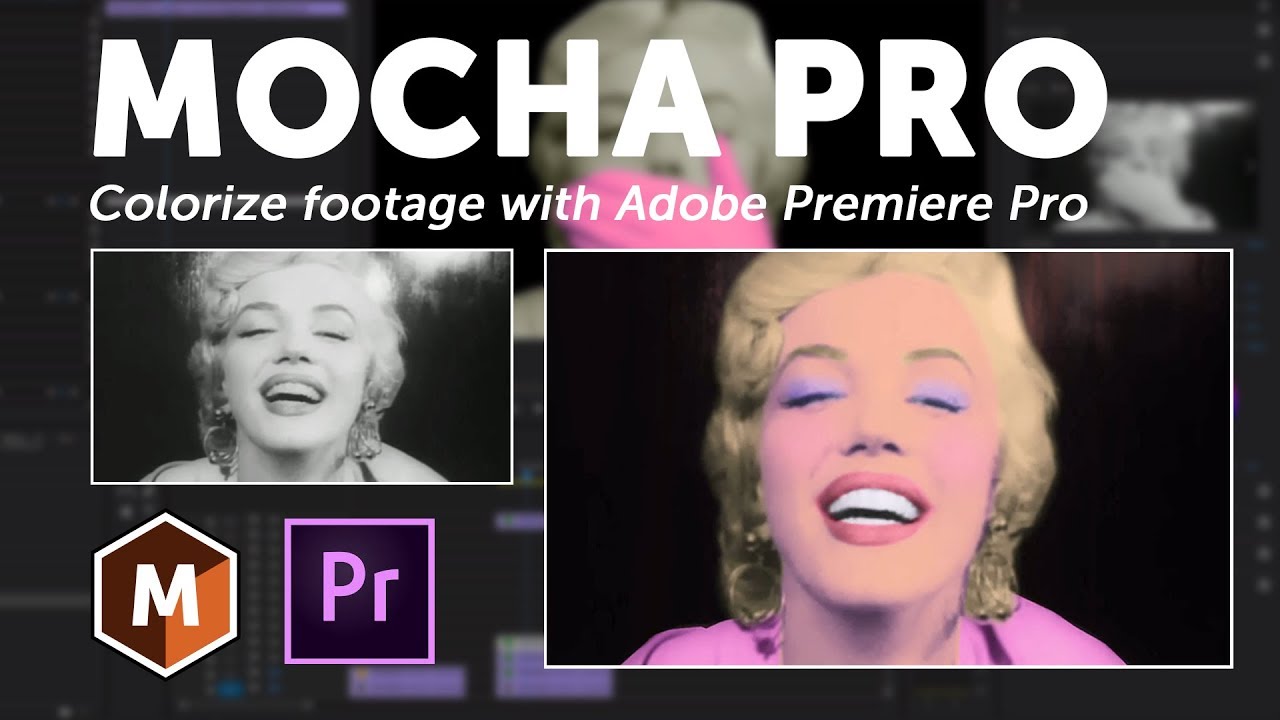
Film colorization is a technique used to convert black & white footage into color. In this tutorial, VFX artist Mary Poplin shows how to use Mocha Pro and Adobe Premiere Pro to save time on this typically time-consuming process. The key to colorization is accurate layer masks for color correction. Mocha Pro’s planar tracked masks save massive time over manual roto and masking techniques. Mocha masks can be exported OR pasted directly into Premiere and used to isolate Premiere’s Lumetri color correction tools. While this video features Premiere Pro as host.
The Mocha Pro plug-in also supports Adobe After Effects, Avid Media Composer, Vegas Pro, Nuke, Fusion and more.
Footage provided by pond5.com.
Subscribe to our newsletter
Get all the latest news, blog posts and product updates from Boris FX, delivered directly to your inbox.
Welcome!
Thanks for opting-in to our newsletter. You'll receive an email momentarily with your confirmation.
