
















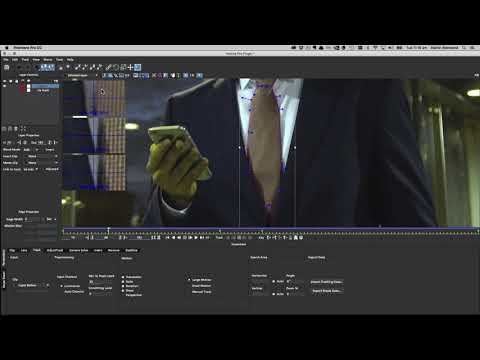
Mocha Pro brings advanced masking tools to Adobe Premiere Pro and After Effects. In this tutorial, Martin Brennand shows how the Mocha Pro plug-in can be used for tracked masks and isolating effects and color correction inside Premiere Pro.
Launch Mocha Pro directly from Premiere to do more advanced masking on your edit timeline and avoid jumping to After Effects for every task. Copy and paste animated Mocha masks to any Premiere effect.
Stock footage clip is provided by our friends at www.Pond5.com
Subscribe to our newsletter
Get all the latest news, blog posts and product updates from Boris FX, delivered directly to your inbox.
Welcome!
Thanks for opting-in to our newsletter. You'll receive an email momentarily with your confirmation.
