
















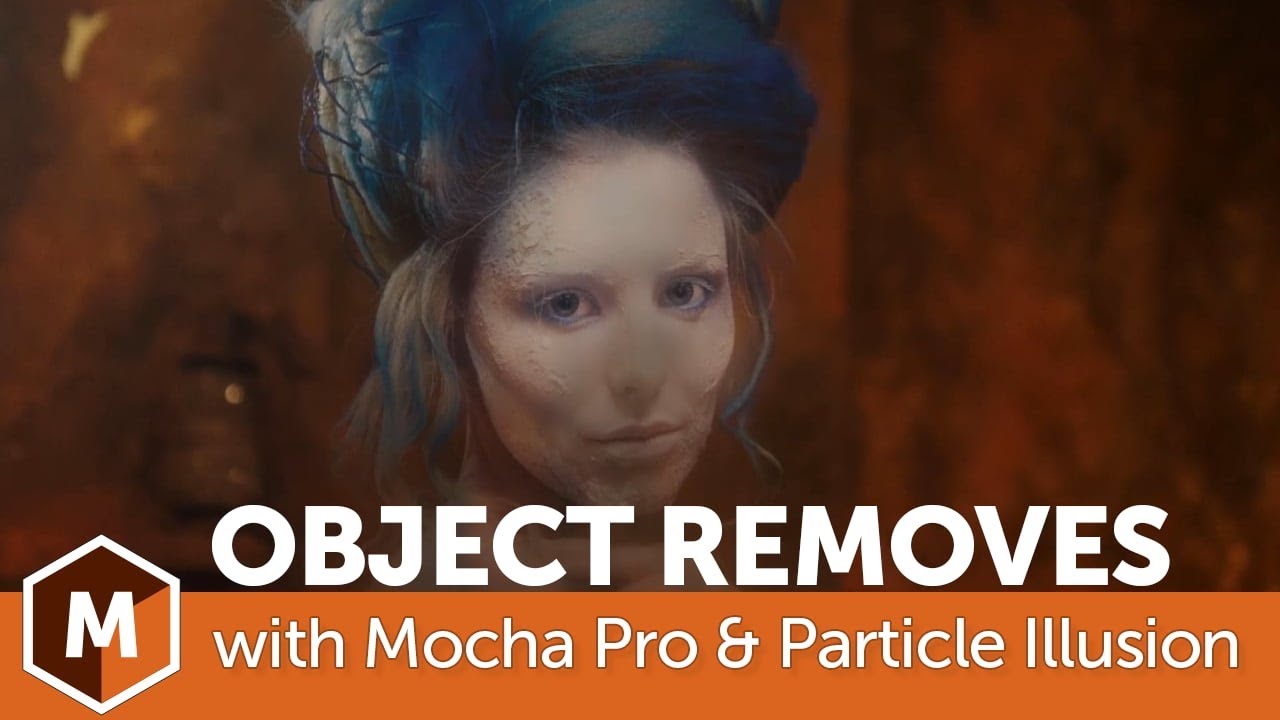
Easily create an eery ghost effect using the combined power of Mocha Pro, Particle Illusion, and Sapphire.
Mary Poplin shows you how to use Mocha Pro to remove an actress from the foreground to link to a clean plate created in Photoshop. Next you’ll add wispy, smoke elements using Particle Illusion. And you’ll finish it up with Sapphire’s glow effects to help create the overall transparent ghost-like look.
Subscribe to our newsletter
Get all the latest news, blog posts and product updates from Boris FX, delivered directly to your inbox.
Welcome!
Thanks for opting-in to our newsletter. You'll receive an email momentarily with your confirmation.
