
















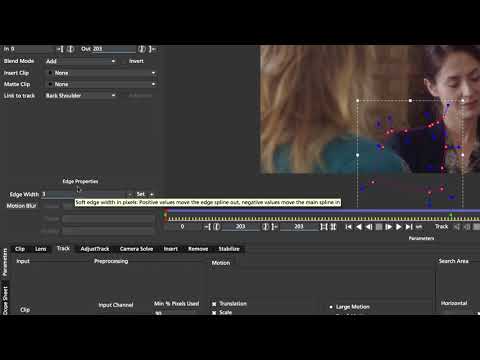
In this advanced tutorial, Mocha guru, Mary Poplin, shows how to patch and
remove objects using Mocha Pro. Mary removes an unwanted element that is
challenged by partially obscured and out of focus foreground objects. This
tutorial assumes that you know the basics of planar tracking, roto-masking and
basic Adobe Photoshop. Also covers: berkey, feathered masks, and using the
Insert Module to create multi-layer patches. The Insert Module is found in
Mocha Pro. For more information, visit: www.imagineersystems.com Footage
provided by Ben Hughes
remove objects using Mocha Pro. Mary removes an unwanted element that is
challenged by partially obscured and out of focus foreground objects. This
tutorial assumes that you know the basics of planar tracking, roto-masking and
basic Adobe Photoshop. Also covers: berkey, feathered masks, and using the
Insert Module to create multi-layer patches. The Insert Module is found in
Mocha Pro. For more information, visit: www.imagineersystems.com Footage
provided by Ben Hughes
Subscribe to our newsletter
Get all the latest news, blog posts and product updates from Boris FX, delivered directly to your inbox.
Welcome!
Thanks for opting-in to our newsletter. You'll receive an email momentarily with your confirmation.
