
















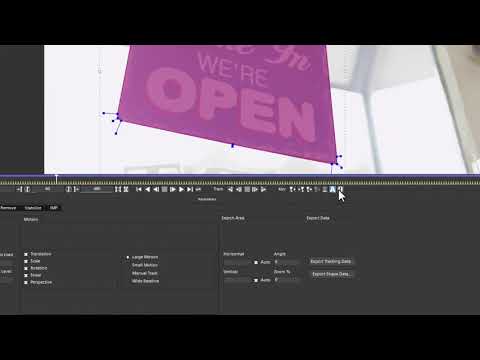
In this quick and easy to follow tutorial, product specialist Mary Poplin uses
Mocha planar tracking to replace a sign as it moves offscreen. Since Mary
used Photoshop to create the new sign in perspective context, she uses the
Align Surface tool to make sure her tracking matches correctly. The Align
Surface workflow works with any version of Mocha including the Adobe After
Effects bundled Mocha AE CC. The Insert Module with advanced features for
motion blur and mesh warp compositing are found in Mocha Pro.
Mocha planar tracking to replace a sign as it moves offscreen. Since Mary
used Photoshop to create the new sign in perspective context, she uses the
Align Surface tool to make sure her tracking matches correctly. The Align
Surface workflow works with any version of Mocha including the Adobe After
Effects bundled Mocha AE CC. The Insert Module with advanced features for
motion blur and mesh warp compositing are found in Mocha Pro.
Subscribe to our newsletter
Get all the latest news, blog posts and product updates from Boris FX, delivered directly to your inbox.
Welcome!
Thanks for opting-in to our newsletter. You'll receive an email momentarily with your confirmation.
