
















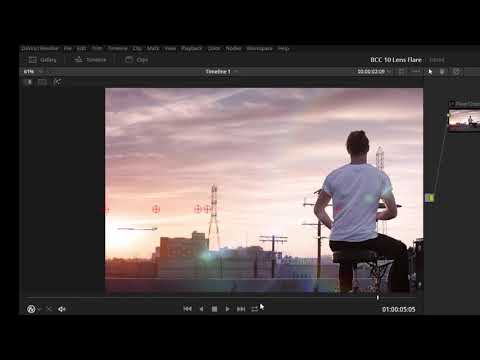
Boris Continuum (BCC) plug-ins include the 3D Lens Flare filter, with tons of
presets and control for realistic and stylized lens flares. In this tutorial,
colorist Jason Bowdach shows DaVinci Resolve users how to use BCC’s integrated
Mocha tracking tools for animating lens flare position.
BCC 10 is available for Adobe, Avid and DaVinci Resolve. For more info, visit borisfx.com
Filters Used Include : BCC Lens Flare 3D, BCC PixelChooser, Mocha
Features Unit : Lights
Subscribe to our newsletter
Get all the latest news, blog posts and product updates from Boris FX, delivered directly to your inbox.
Welcome!
Thanks for opting-in to our newsletter. You'll receive an email momentarily with your confirmation.
