
















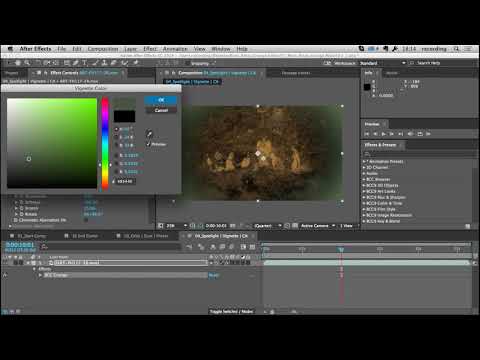
Perfectly timed for the holidays, Angie Taylor, After Effects specialist and
motion graphics artist, shows you how to take an innocent-looking piece of
footage and turn it into opening titles for a festive ghost story. Discover
how Angie uses the power and versatility of BCC in Adobe After Effects to
create her eerie effects.
Featured Filters: Grunge, Levels Gamma, Edge Grunge, Rays Puffy, Multi Shadow,
Vignette, Film Glow
Featured Units: Stylize, Lights, Film Style
Subscribe to our newsletter
Get all the latest news, blog posts and product updates from Boris FX, delivered directly to your inbox.
Welcome!
Thanks for opting-in to our newsletter. You'll receive an email momentarily with your confirmation.
